
Step 1 of 4
Welcome. You're about 10 minutes from a smarter gym.
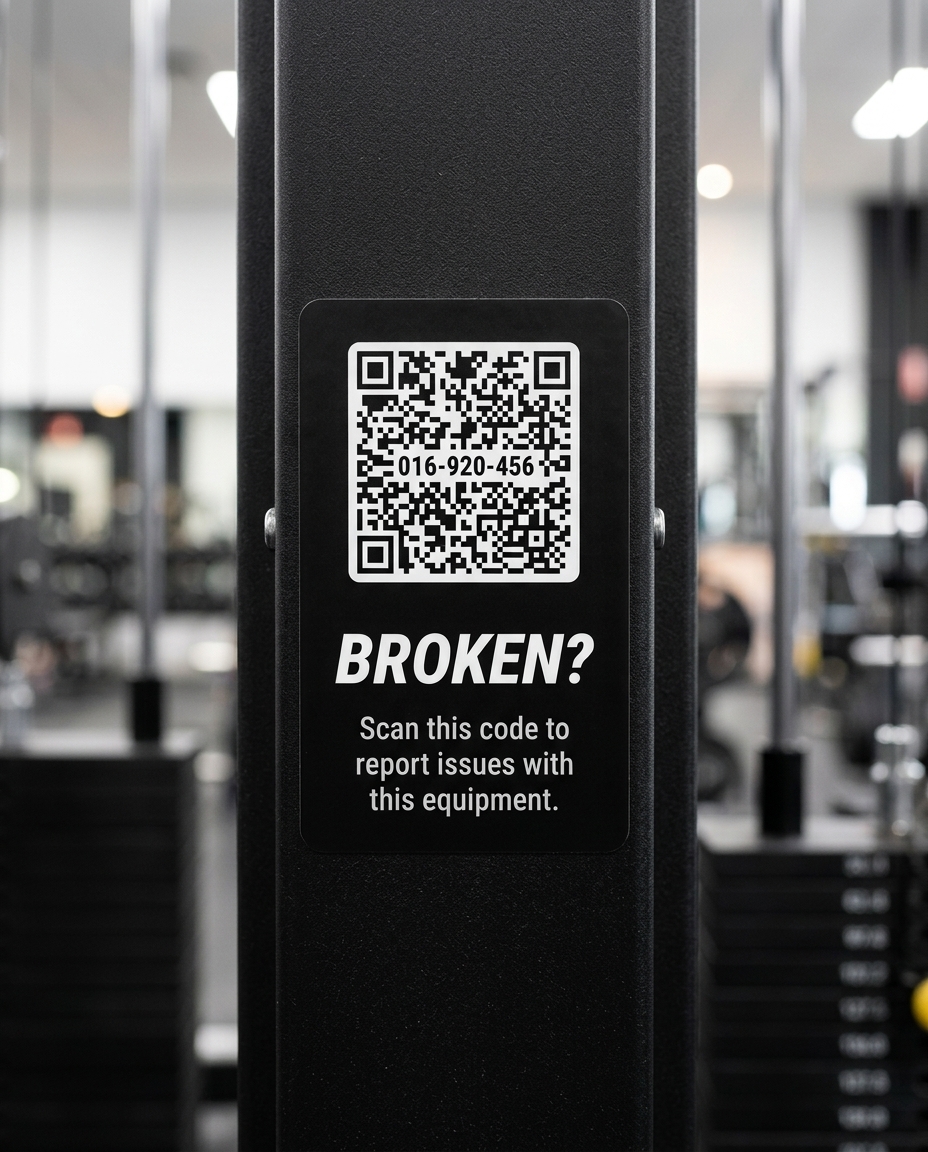
FixTag puts a scannable tag on every piece of equipment in your gym. A member spots a problem, scans the tag, and the report is on your dashboard before they've moved to the next machine.
Step 2 of 4
Here's what's in your kit.
-
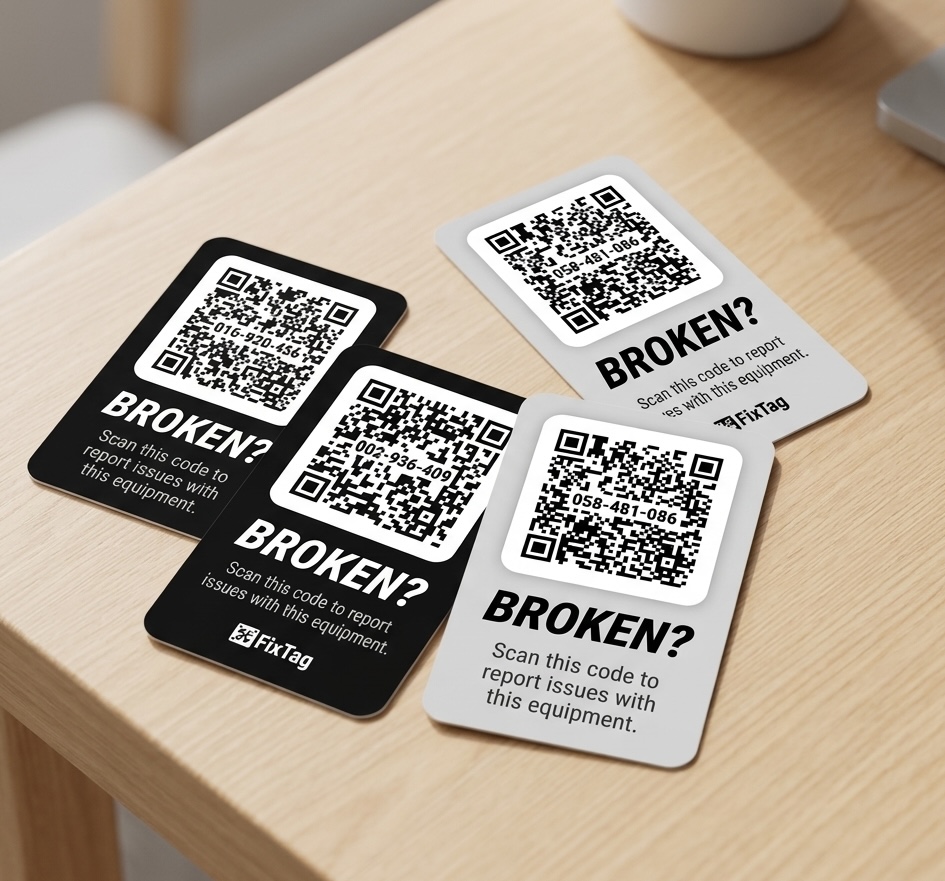
4 Stickers (we call these Gear Tags)
Peel-and-stick QR stickers in 4 styles (light/dark) designed to match your equipment. For this trial, you can attach these to real equipment in your gym and see how FixTag works.
Two of your tags carry the FixTag mark, two are unbranded. We can also print tags with your gym's logo - ask us when you're ready to order a full set.
Got a full production kit instead?
Same parts, just more of them.
Step 3 of 4
Every sticker is the same until you activate it.
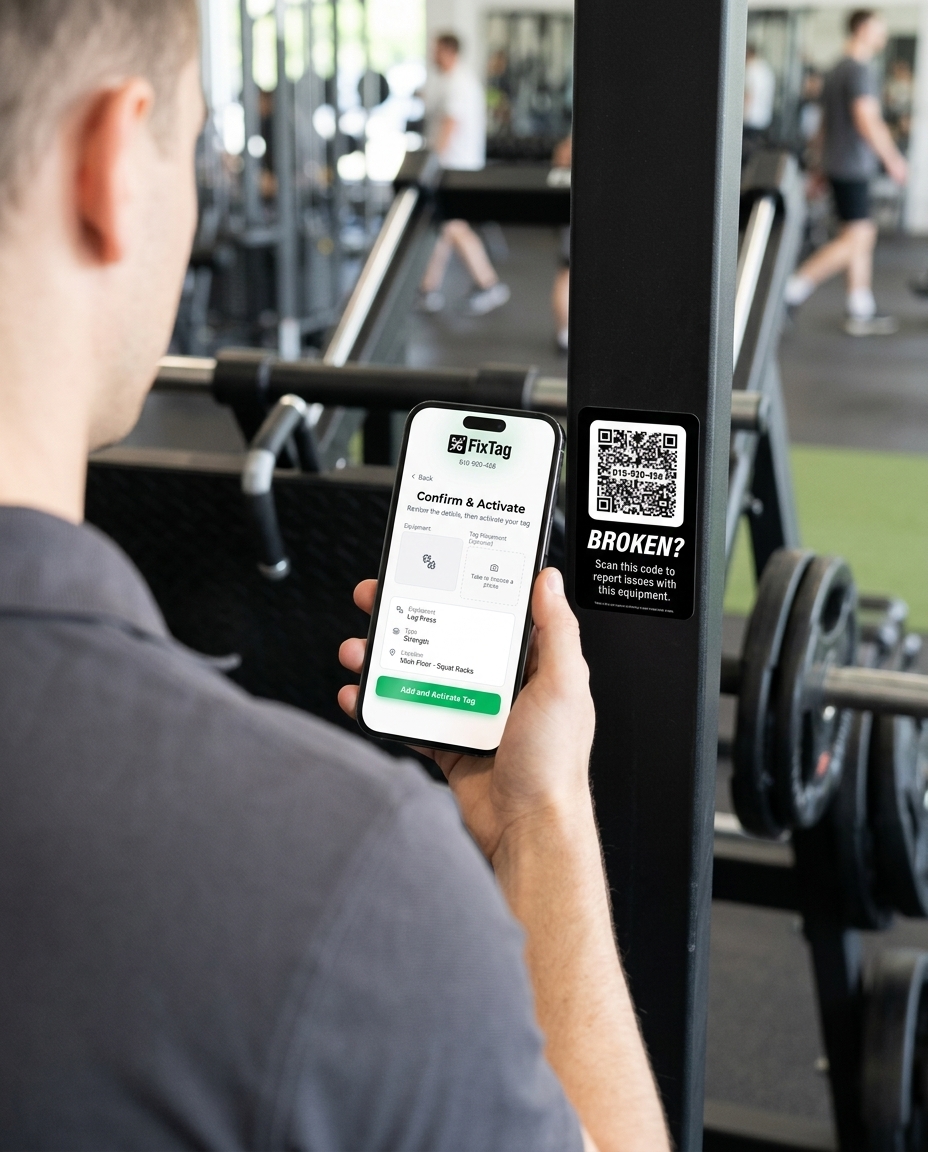
Every Gear Tag comes identical and ready to use anywhere. A Gear Tag only becomes assigned to a specific piece of equipment once activated.
So use any sticker, in any style, wherever it looks and fits best.
Step 4 of 4
What's next.
-
1
Create your account
This becomes the hub for your set-up and operations. -
2
Grab your phone
We'll help you place and activate your first Gear Tags. -
3
Test it out
See the member experience and invite your team.
Once you create your account, we'll guide you through the rest of the setup, which takes about 10 minutes.